
Search Suggestions Module
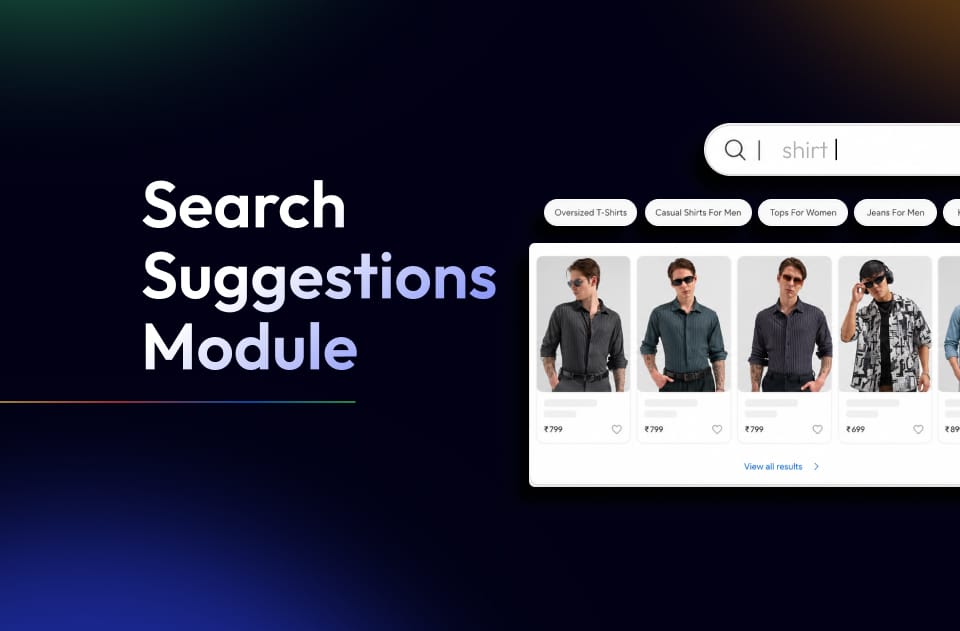
The Search Suggestions module helps you guide users toward high-intent queries by controlling what they see inside the search bar and below it.
To configure this, navigate to:
CMS –> Search Suggestion
What You Can Configure
This module has 2 key sections:
1. Trending Searches
These are the keywords shown as clickable suggestions below the search bar.
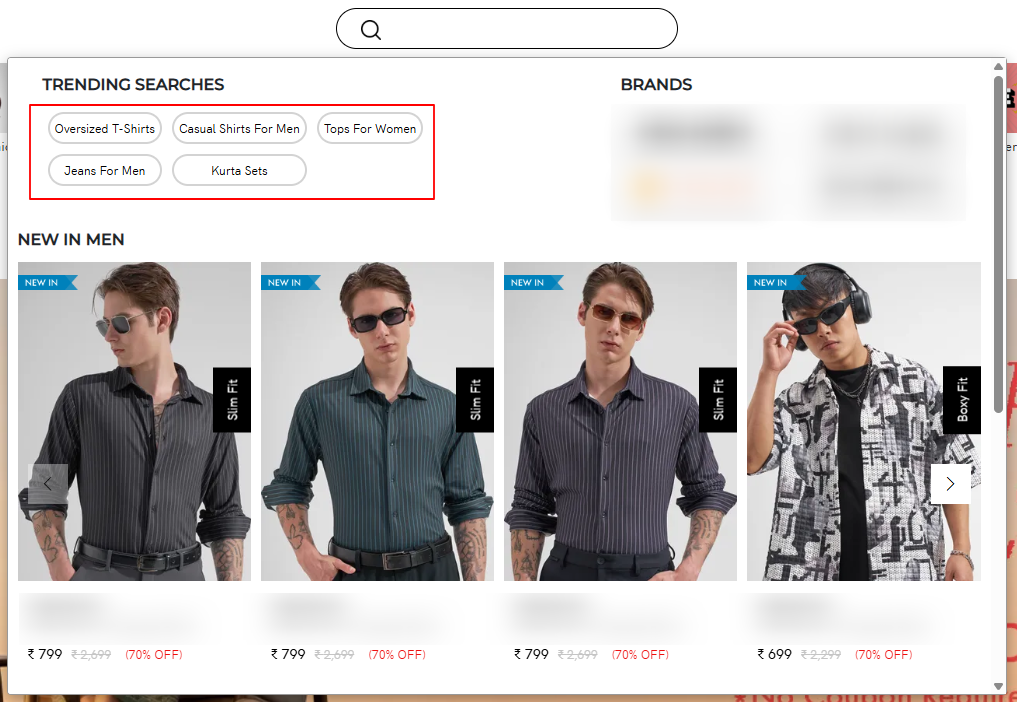
Where it appears:
- Search dropdown
- Trending chips (as shown in UI)
Steps to Configure:
- Click + Add
- Enter:
- Keyword (e.g., “Kurta Sets”)
- URL (landing page/category)
- Save
What this does:
Users can directly click and land on high-converting category pages.
2. Search Placeholder
This controls the text inside the search bar.


Examples:
- "Search for Tshirts men", "Search for Jeans top"
Steps to Configure:
- Click + Add
- Enter keyword (this becomes placeholder text)
- Save
What this does:
Drives user intent by nudging what they should search.
Behavior Logic
- Placeholder text rotates or updates dynamically (based on config)
- Trending searches are shown as quick access shortcuts
- Clicking a trending search —> redirects to mapped URL
- No dependency on actual search engine results
Final Step
👉 Click Save after adding/editing entries